🔐How cybersecurity concepts translate to mental health boundaries ✨

Cybersecurity protects digital systems from external threats, data breaches, and system crashes.
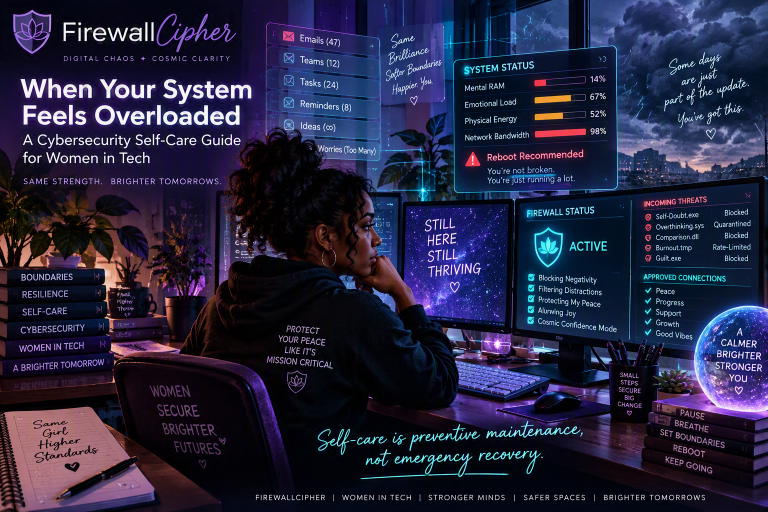
These same principles can be applied directly to protecting your mental energy, emotional data, and psychological stability from digital overwhelm. Think of these as your “Mental Security Protocol”.
Firewalls → Personal Boundaries
The Tech Concept: A firewall monitors incoming and outgoing network traffic based on predefined security rules to block malicious data.
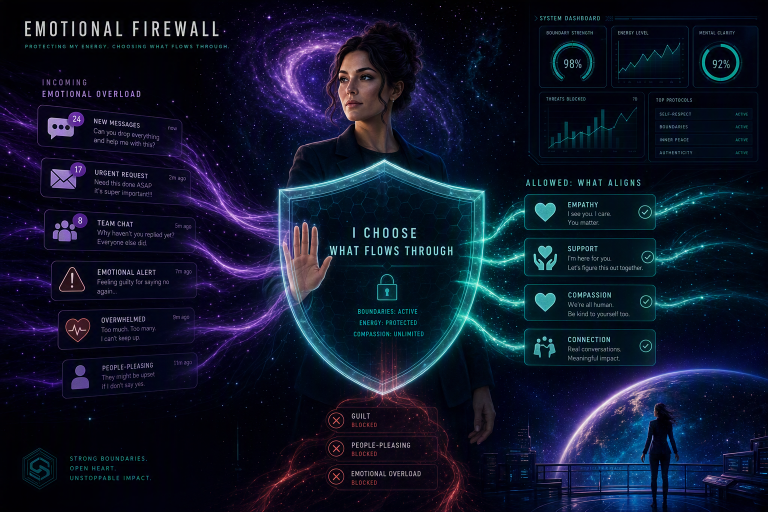
The Mental Health Translation: A mental firewall is your set of hard rules for technology use. You decide what content, notifications, and people are allowed into your mental space, and at what times.
Access Control & Authorization → Relational Limits
The Tech Concept: Multi-factor authentication (MFA) and access control ensure that only verified users can access specific systems or sensitive data.
The Mental Health Translation: Not everyone or everything deserves direct access to your emotional attention. You choose who gets “admin privileges” (close friends/family) and who stays in the “guest network” (social media followers or acquaintances).
Malware & Spam Filtering → Cognitive Filtering
The Tech Concept: Spam filters and antivirus software automatically detect, isolate, and delete harmful code or deceptive phishing emails.
The Mental Health Translation: Actively filtering out toxic comment sections, sensationalized news, and comparison-triggering accounts before they can influence your mood or self-worth.
Denial of Service (DoS) → Cognitive Overwhelm
The Tech Concept: A DoS attack floods a system with an overwhelming amount of traffic, causing the server to crash and become completely unresponsive.
The Mental Health Translation: Constant notifications, multi-tab browsing, and doom scrolling overwhelm your brain’s processing capacity. This leads to mental fatigue, lack of focus, and emotional burnout.
System Backups → Mindful Offlining
The Tech Concept: Routinely saving vital data to an offline hard drive or secure cloud to ensure recovery if the main system fails.
The Mental Health Translation: Intentionally disconnecting from the network to rest, practice mindfulness, or spend time in nature. This allows your mind to rest and reset away from
active digital inputs.
Here’s a tech-life balance strategy to help refine your daily routine:
Configure your Access Control (Time & Availability)
Establish Your Mental Firewall: Keep the first and last hour of your day entirely screen-free. Start utilizing the “Do Not Disturb” setting. Schedule automated downtime hours on your phone (e.g., 9:00 PM to 7:00 AM). Designate tech-free zones. Keep screens entirely out of the bedroom and away from the dining table. Implement time limits by setting strict daily time caps for social media and after work emails.
Run system cleanups (Digital Housekeeping)
- Audit Notifications: Disable all non-human notifications (turn off shopping apps, news, and games). Purge your desktop & home screen by deleting unused apps and hide distracting icons. Have an “Unsubscribe Session”. Spend 10 minutes unsubscribing from junk emails and promotional newsletters. Close all of those unused browser tabs at the end of every day.
Schedule System Backups (Mental Restoration)
- Daily Micro-Breaks: Take a 5-minute screen-free break for every 60 minutes of computer work. Dedicate one day a week (e.g., Sunday morning) to being completely offline. Use that time to swap out one digital habit with a physical one, such as reading a paper book or journaling with a pen.
Protecting your peace starts with knowing what you allow in. When you set boundaries, filter out mental malware, and step offline to reset, you strengthen your inner firewall.